Update of CEWE MediaAssets to version 4
Change language
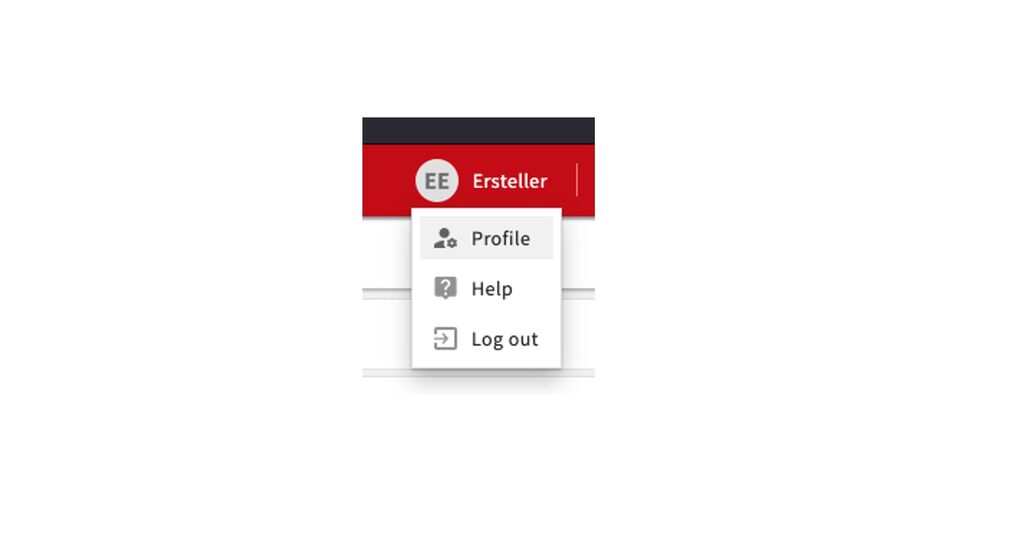
Change language
You no longer change the system language in the login screen, but in your own user profile. To access it, click on your name in the top right corner.
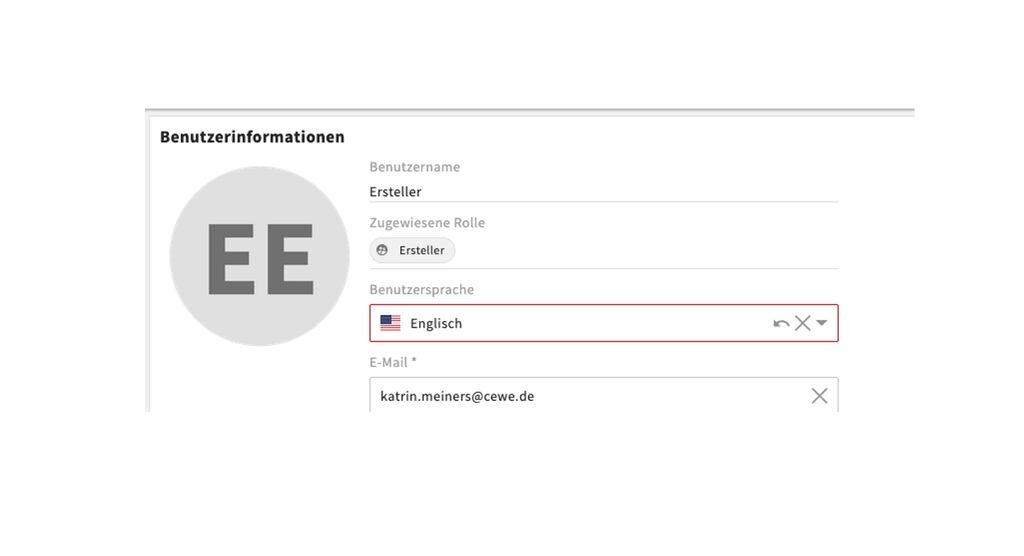
Then change the language to English or German.
Custom download
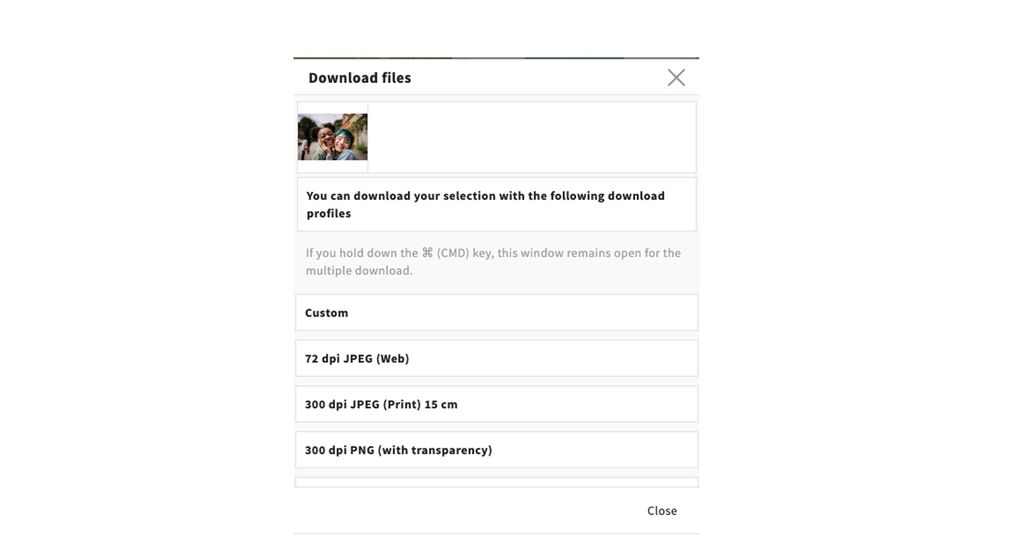
Custom Download – Alternative/Replacement for the Cropping Tool
You can now select the "custom" option when downloading a single file. A window will then appear where you can rotate, flip, and also crop the file.
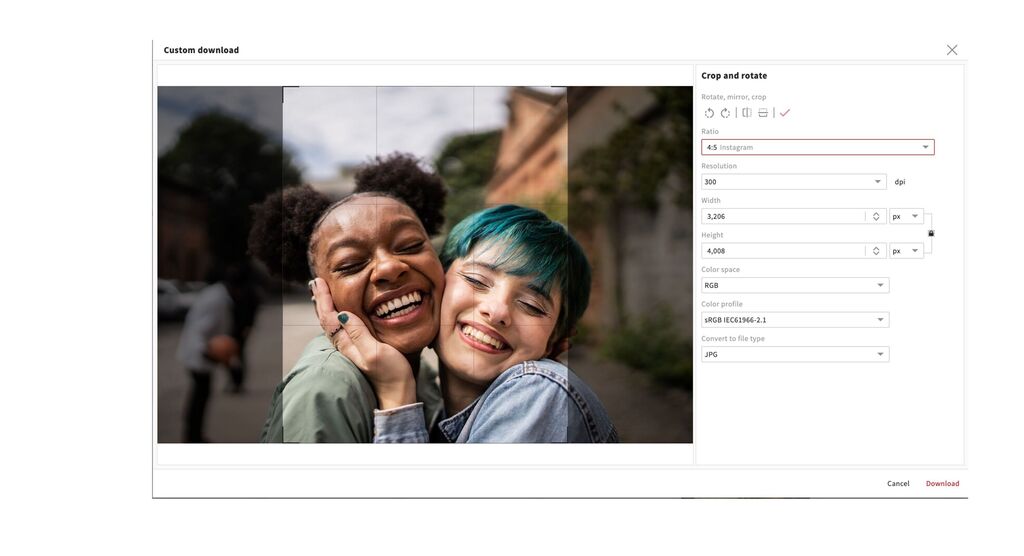
You can crop in free format and then select the length or width in pixels, or use one of the preset options. We have taken these from the Cropping Tool. In the long term, we intend to replace the Cropping Tool with this feature.
More details can be found here.
Task module
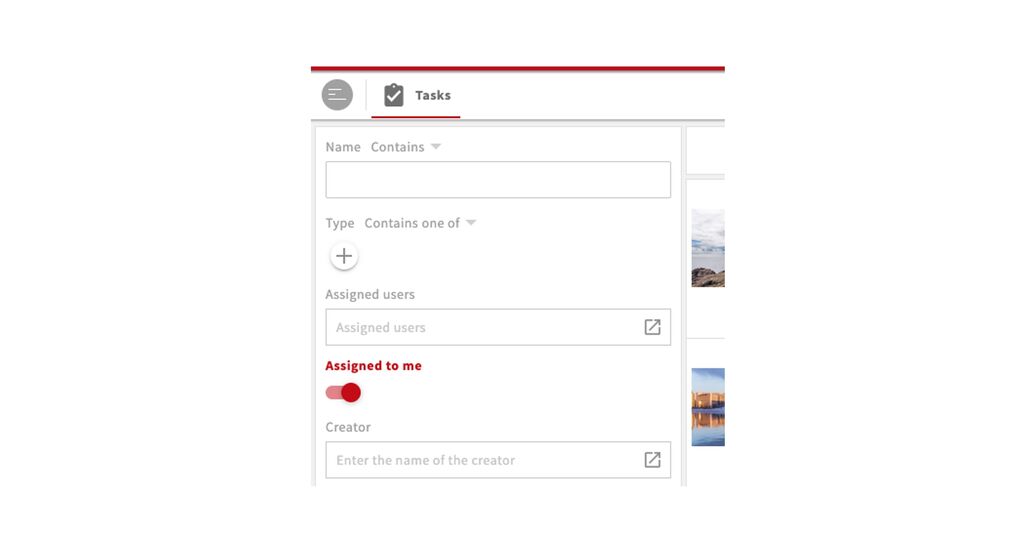
Tasks – My Tasks
In the tasks module, a filter is now applied automatically so that you will initially only see tasks assigned to you.
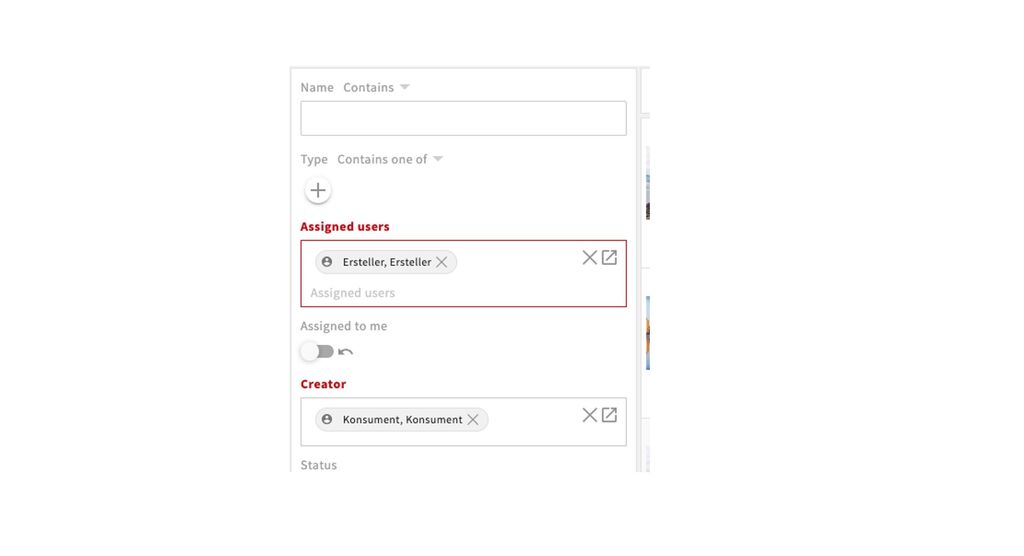
You can now filter tasks more effectively and search for the user(s) a task is assigned to or who created it.
General changes/improvements
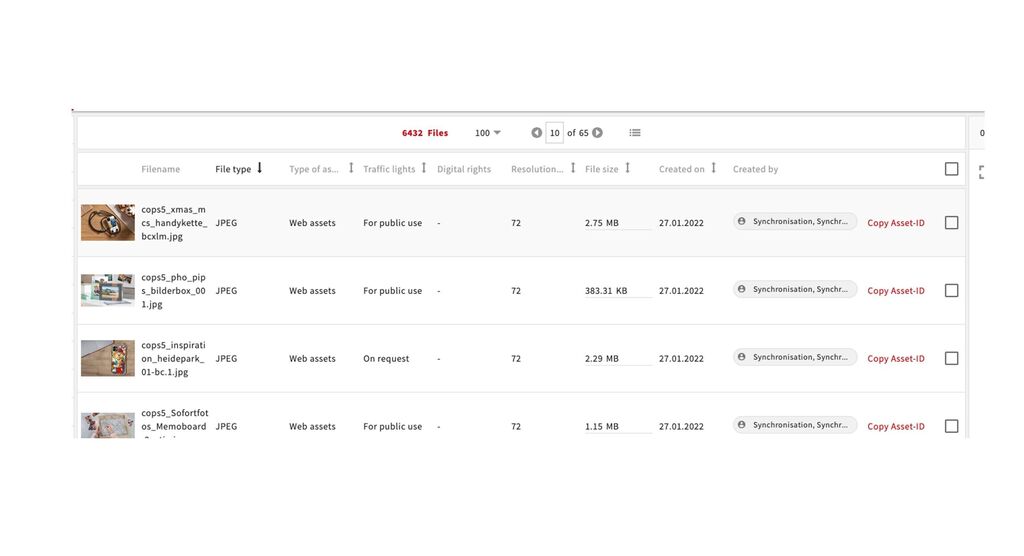
Grid view
You can now switch from the tile view to an easy overview in a grid view, followed by the previous list view. If you would like any adjustments here (possible only by role), please let us know.
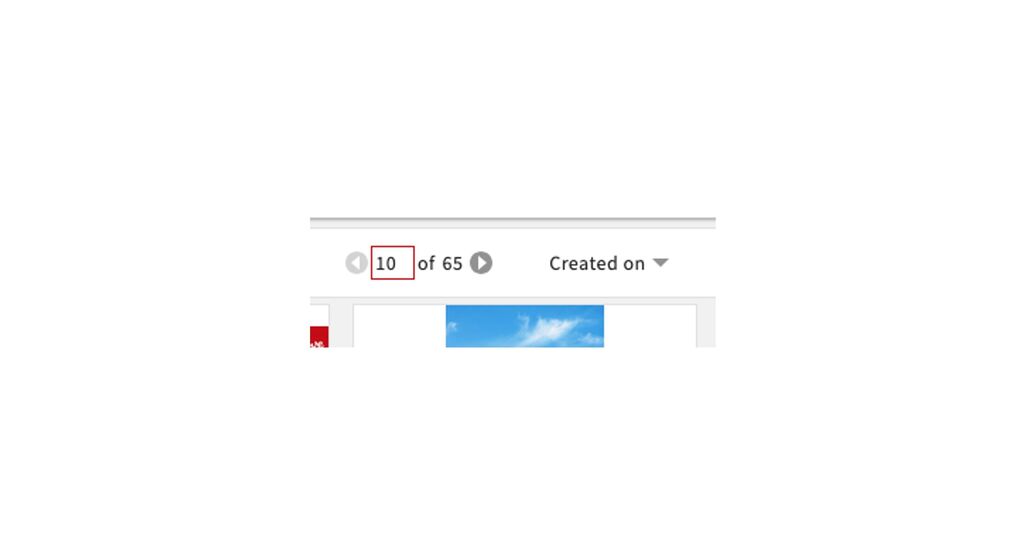
Jump to page
You can now jump to a specific page by typing the number into the page indicator and pressing Enter.
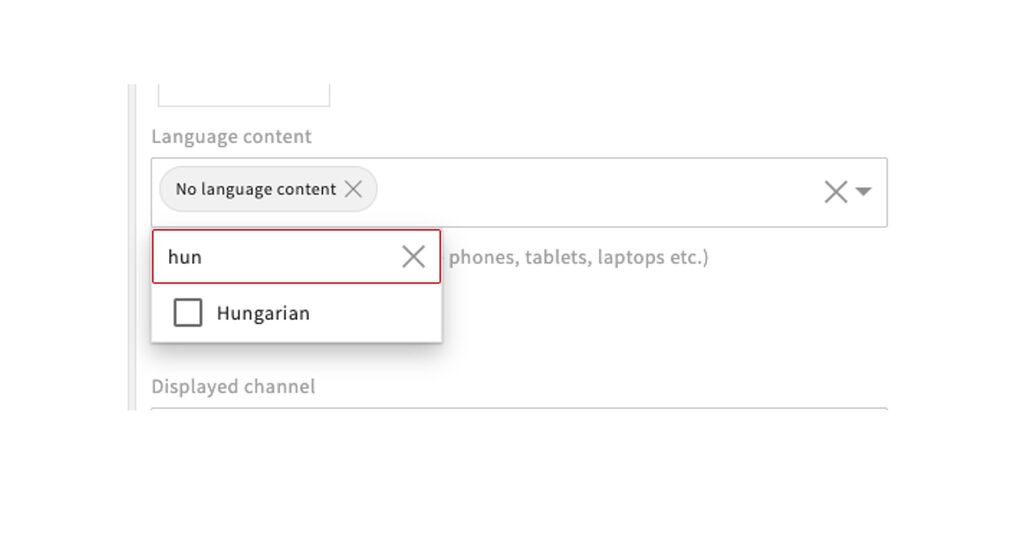
New filter option: Dropdown with typeahead and multi-select
We have added this option, for example, for language content, both in searches and metadata. You can type in a term to search for it, or select from the dropdown. If you think such a selection would be useful for another field, please let us know.
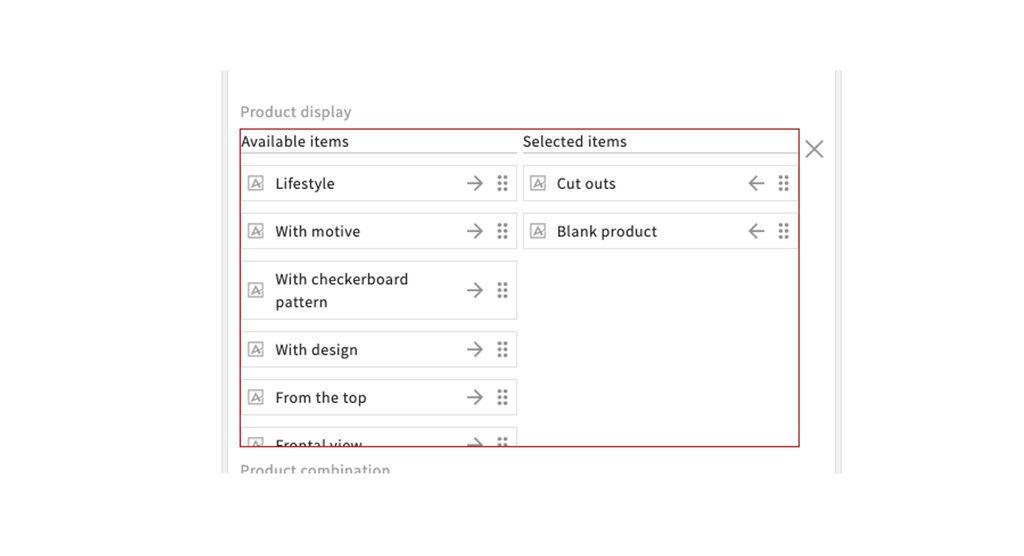
New filter option – Transferring selection to field
There is a new filter option that allows you to search or enter metadata. You can transfer the desired selection from the left field to the right field using an arrow. For example, we have implemented this in the product display. If you think such a selection would be useful for another field, please let us know.
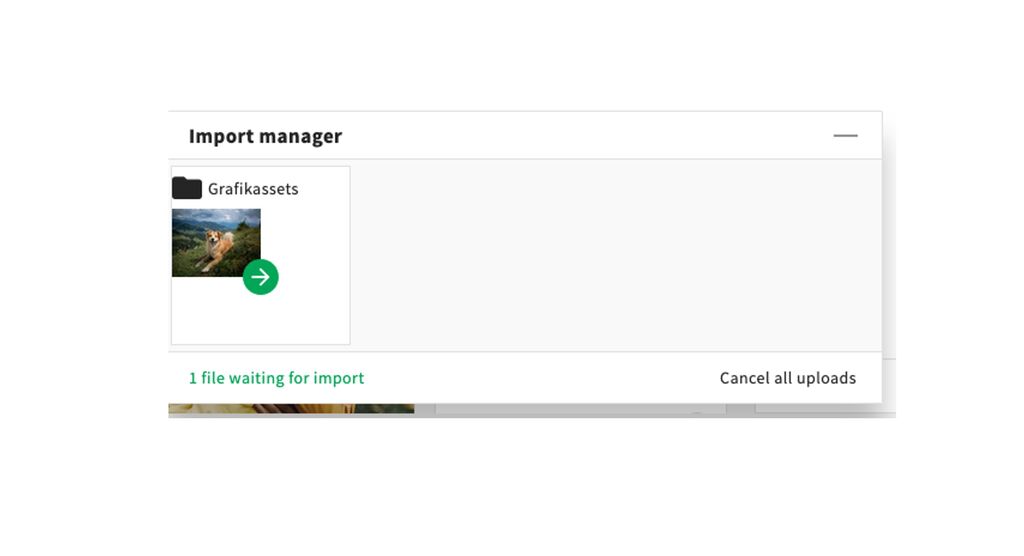
Cancel upload
An ongoing upload can now be canceled, and this option is now labeled more clearly.
Known bugs
Files only shown after browser refresh - Partly fixed 21st August
The errors related to newly uploaded files have been partially fixed. They are now displayed in collections, but the preview is only visible after refreshing the page in the browser.
For versioning, the new files are displayed immediately, while the previous version is only visible after refreshing the page in the browser.
The remaining issues are still being worked on.
Bugs in Selection process - Fixed 21st August
After the update on the 21st of August the errors regarding the selection process are fixed and it can be used as normal.
Collection email when adding participants during creation - Fixed 21st of August
The collection email option is now always displayed correctly.