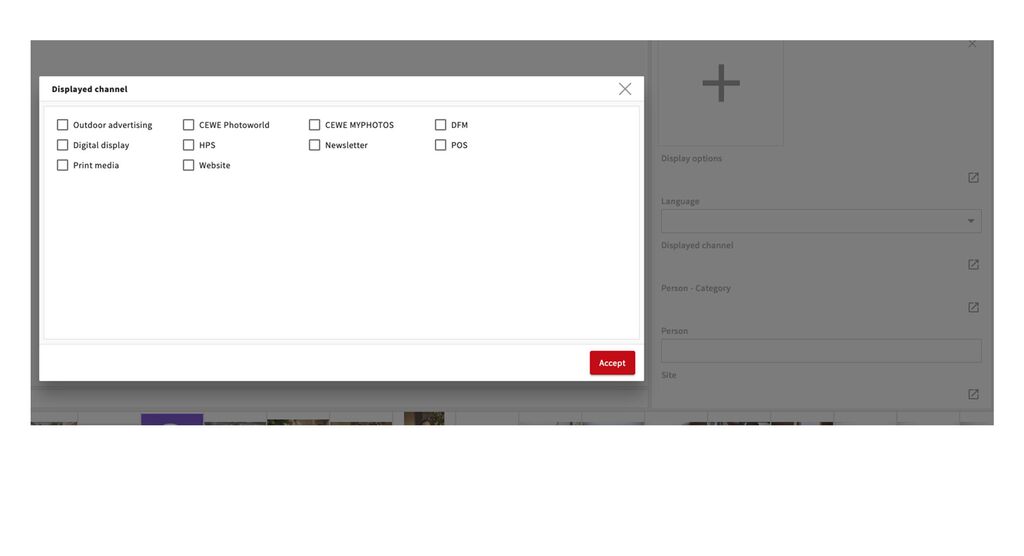
New field: Displayed channel
At CEWE we frequently create photos/videos that show a certain channel, often an order option or an information source. These can be images that show the CEWE Software, one of the Apps or a print publication like the CEWE Magazine.
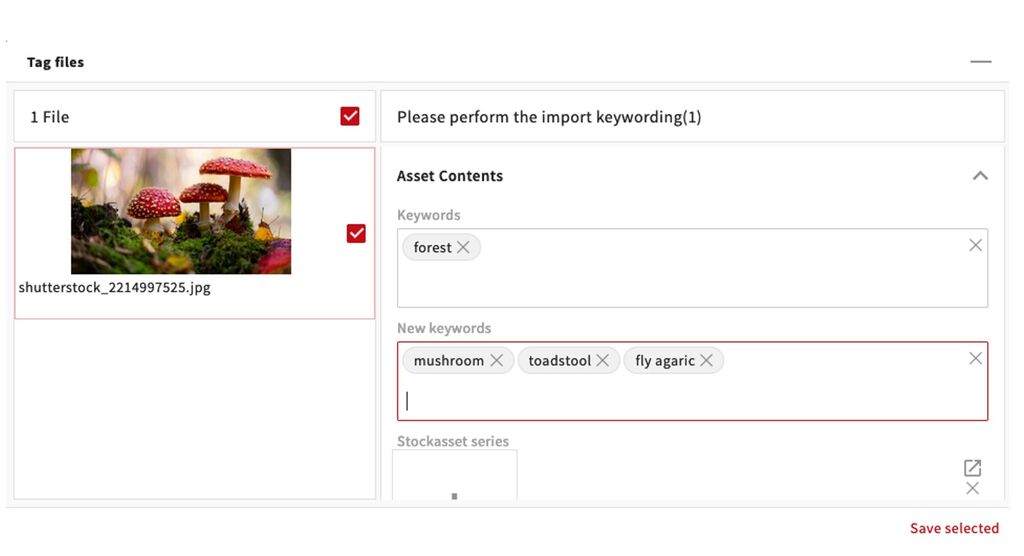
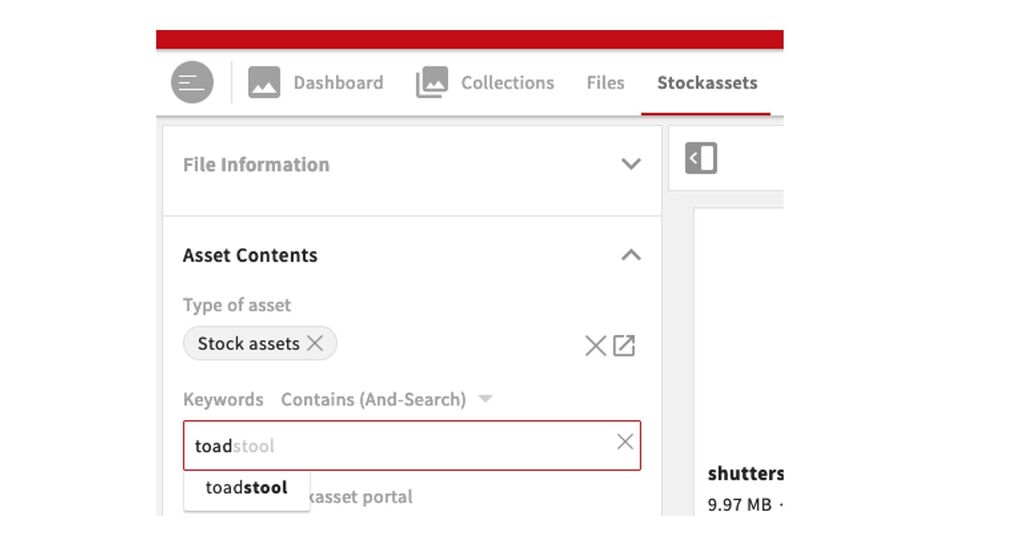
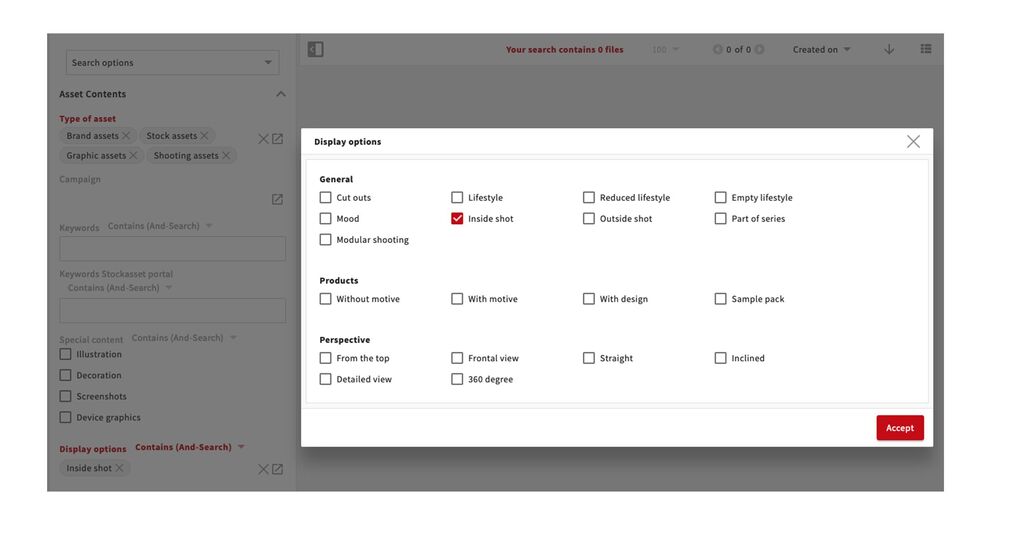
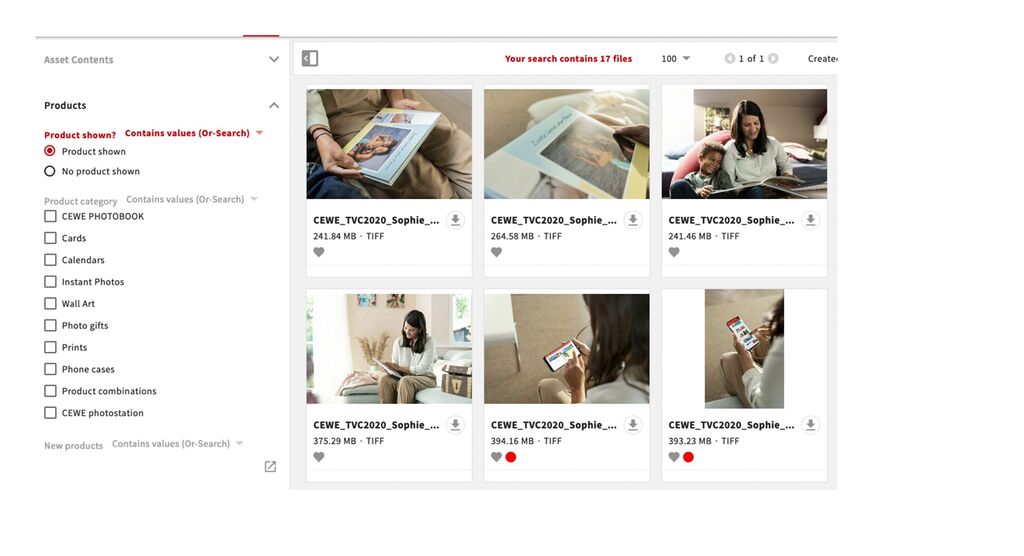
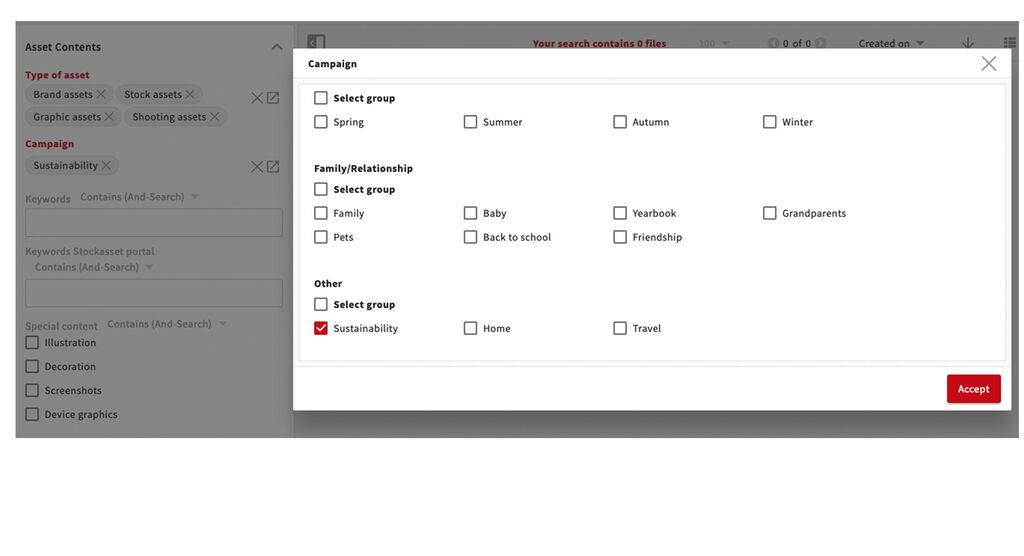
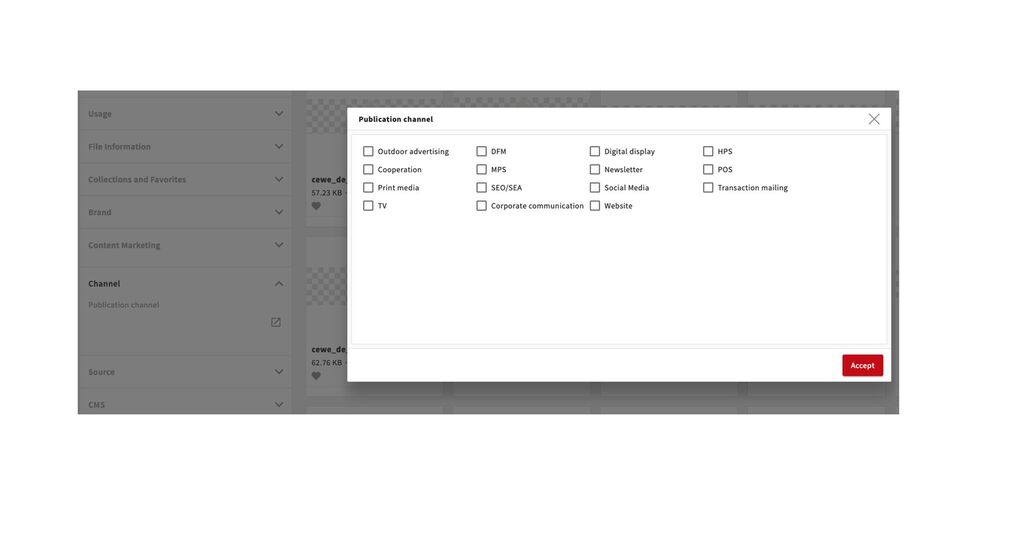
To be able to find this content we have therefore introduced a new field called Displayed channel. So this should be used only to enter a channel which is shown within the image. You can find it (for now) under asset content. The channel where the image will be published will be entered under Channel - Publication channel.
Here an example:
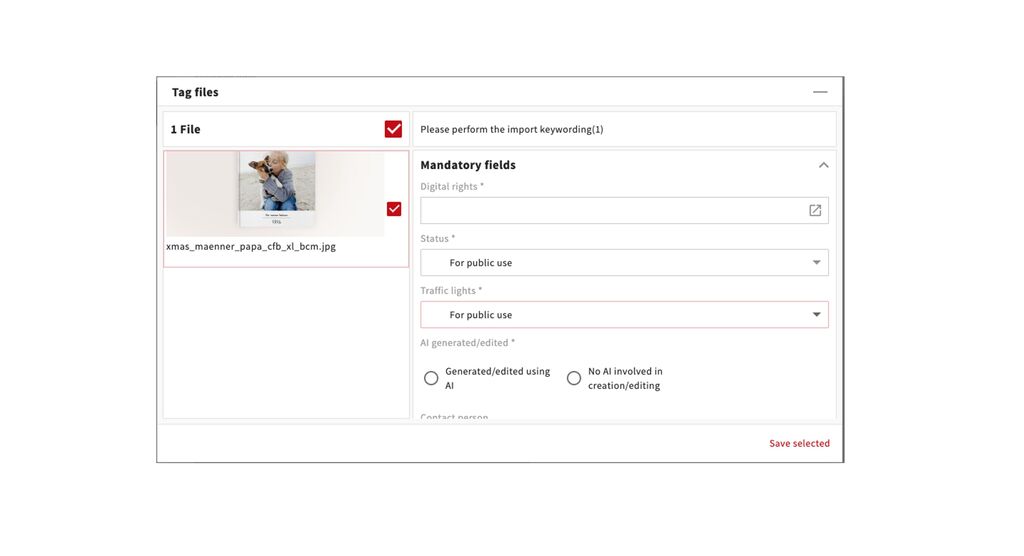
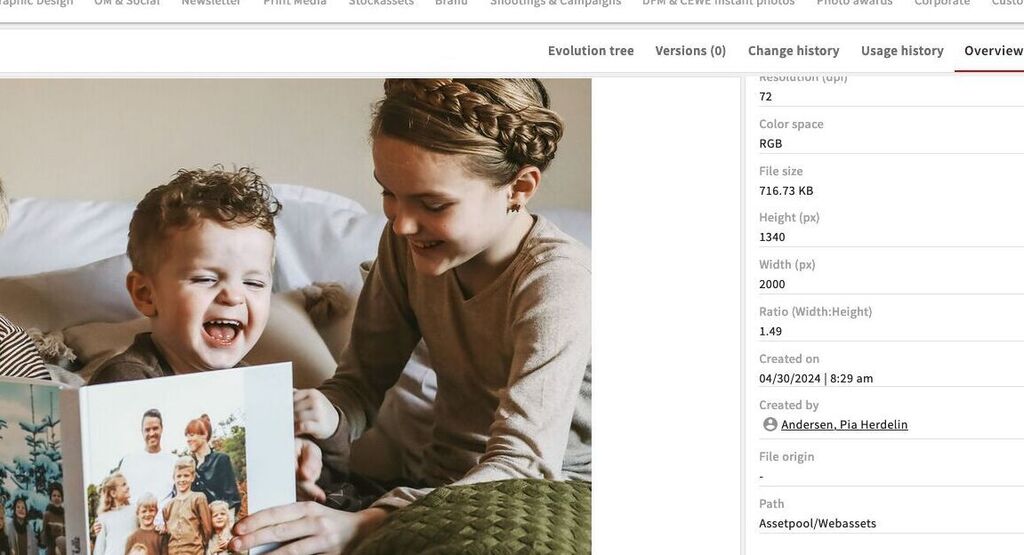
An image showing the CEWE Magazine - for publication on cewe.fr
Displayed channel: Print media
Publication channel: Websites
If required we can add options to this field or even add single channels (e.g. CEWE Magazine instead of Print Media). Please contact us if you have requests or ideas regarding this.